Classic 3DS QR code guide
Tomodachi Life QR Codes: 3DS Scanning Guide and Version Limits
Learn how Tomodachi Life QR codes work on classic 3DS, how to scan Mii codes, and why Living the Dream needs separate verification.
Updated August 19, 2026
Tomodachi Life QR codes usually refer to the classic 3DS sharing system for Mii characters and related game data. The most useful answer is therefore a version check first: a QR code made for the 3DS release should be treated as a 3DS resource, not as proof that the same code works in Tomodachi Life: Living the Dream.
This guide explains what the QR-code search intent covers, how to approach the classic scan flow, how to judge an Mii QR code source, and what to do when a code fails. It is a fan-made explainer, not a code archive, ROM page, download page, or official Nintendo compatibility statement.
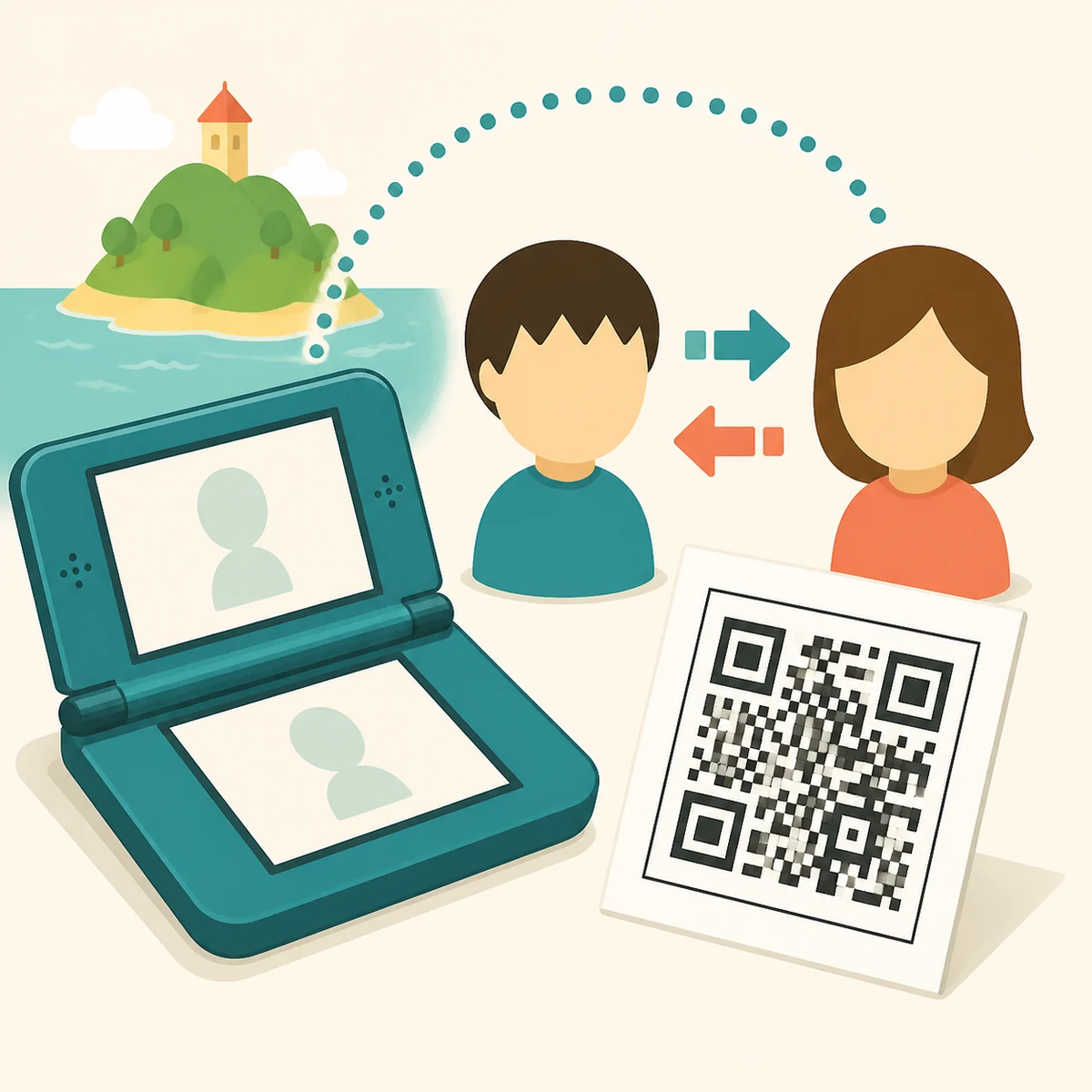
Quick answer: check the version before scanning
If you mean the original 3DS game, look for the QR Code option in the classic game's own menus, follow the on-screen prompts, and keep the source and version visible. If you mean Living the Dream, do not assume that a 3DS QR code transfers across platforms. Confirm the current game's own instructions first; an old QR library can be useful historical context without being a current compatibility guide.
Why QR-code searches mix two Tomodachi Life releases
Search pages often use Tomodachi Life as a broad label even when the material comes from different releases. That creates a practical trap: a page may show a 3DS Mii QR code, while the reader is researching Living the Dream on a newer platform. The product name is similar, but the hardware, menus, sharing path, and supported data can differ.
Use the release and hardware as the first filter. A result that says 3DS is not automatically a result for the current game, and a result that says Living the Dream should not be filled with legacy scanning steps unless it cites the current release. This distinction is more useful than a long list of unverified codes.
What Tomodachi Life QR codes actually represent
A QR code is a compact way to package shareable information for a compatible reader. In the classic Tomodachi Life context, the phrase most often points to Mii sharing: a player can publish or scan a representation of a character rather than rebuild every visible choice by hand. The code is a transfer aid, not a guarantee that every island state, relationship, item, or feature moves with it.
Treat the code as a small part of a larger workflow. You still need the right game, the right menu, a readable image, and a source that explains what the code is supposed to contain. If a page promises a complete island, unlimited items, or a current-platform conversion without evidence, that is a warning sign rather than an extra feature.
| Player question | What to verify | Safe conclusion |
|---|---|---|
| What is shared? | Mii or other game data | Read the source description; a QR code does not automatically include the whole island. |
| Which hardware? | Classic 3DS or current release | Treat 3DS labels as legacy until the current game documents compatibility. |
| Where to scan? | The compatible game's QR or sharing menu | Follow the menu shown by the version you are actually playing. |
| Is the source safe? | Image, platform, date, and no suspicious download | Prefer transparent community context; never turn a QR image into an unknown installer. |
| Why did it fail? | Image quality and version match | Change one variable at a time before blaming the code or the game. |
Classic 3DS scanning steps
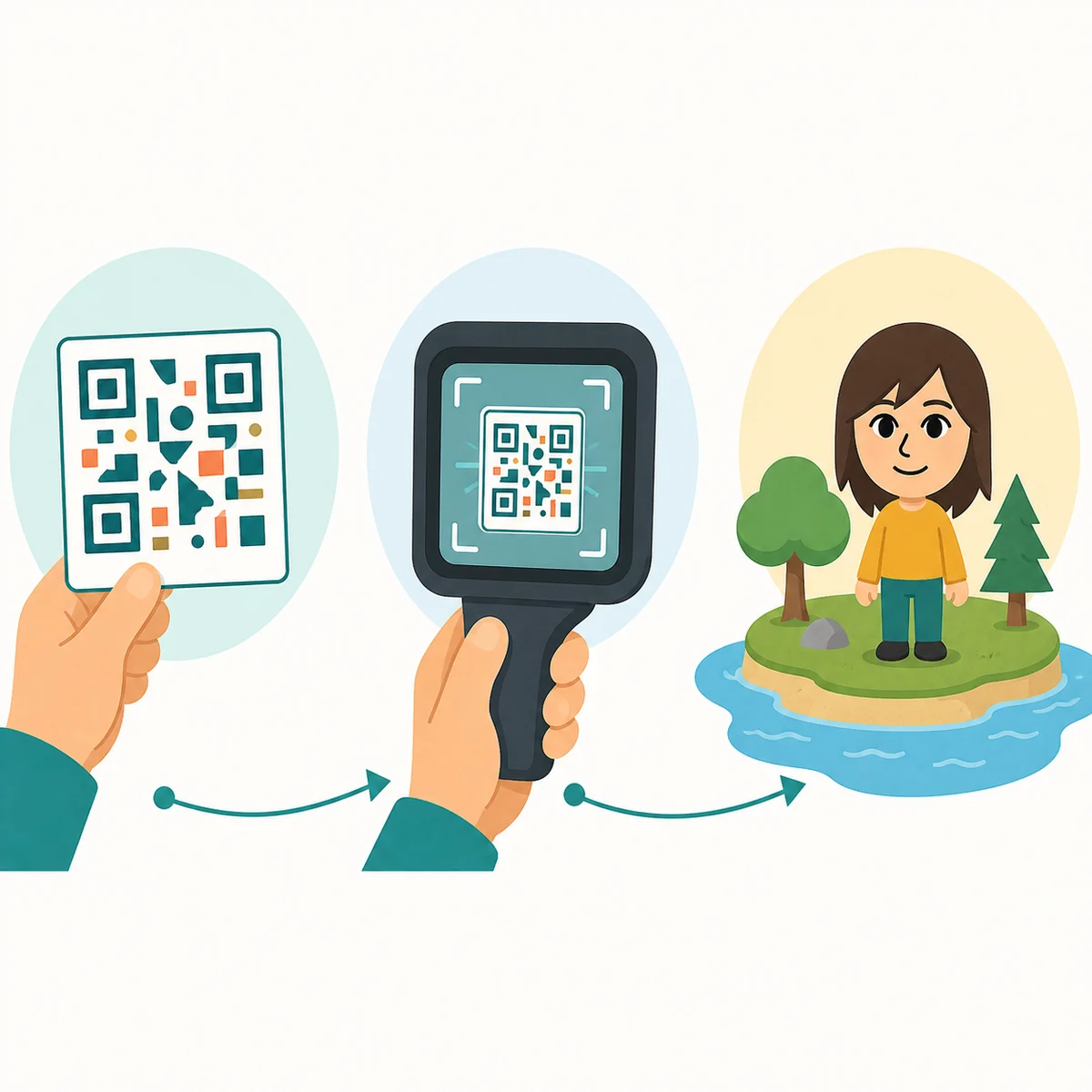
For the original 3DS release, start inside the game instead of opening a random QR website first. Find the game's QR Code or sharing option, choose the scan path shown by your version, and give the camera a well-lit, steady image. Menu wording can vary by region or release, so the screen in front of you is the final instruction.
After the scan, read the confirmation carefully. Check the Mii name, appearance, and any visible source note before accepting it. Keep a screenshot or written note of the source and the date, especially if you are testing an old code. That record makes it easier to tell a bad image from a version mismatch.
How to evaluate Mii QR code sources
The phrase Tomodachi Life Mii QR codes has strong demand, but a large collection is not automatically a trustworthy collection. Prefer pages that name the platform, identify whether the code is a Mii or another data type, show a clear preview, and explain the expected result. A useful source also gives you a way to report a broken code instead of hiding behind a download button.
Do not install an unknown file to get a QR image. A normal QR image should not require a ROM, an APK, a browser extension, a password, or a payment step. Be cautious with shortened links, fake scan tools, aggressive pop-ups, and pages that call a community upload official Nintendo media. This site links to official product context but does not mirror community code libraries.
Why a QR code may fail to scan
First rule out image quality: show the complete code, avoid glare, keep the camera steady, and use a sharp original rather than a compressed thumbnail. If only one corner is cropped, the reader may fail even when the pattern looks recognizable. Try a larger display and remove overlays or browser controls that cover the finder squares.
Next check compatibility. A code can be readable and still belong to a different release, region, or data type. If several unrelated codes fail, return to the game's own menu and confirm that you opened the QR reader rather than a different sharing feature. Change one variable at a time and write down the result instead of deleting the whole test setup.
A simple test order
Use one known clear image, the correct game menu, a stable camera position, and one acceptance attempt. Only after that should you compare a second source or a second platform.
When to stop
Stop if a page asks for credentials, executable downloads, or a claim that cannot be checked in the game. A failed code is less risky than turning a scan question into an unsafe download.
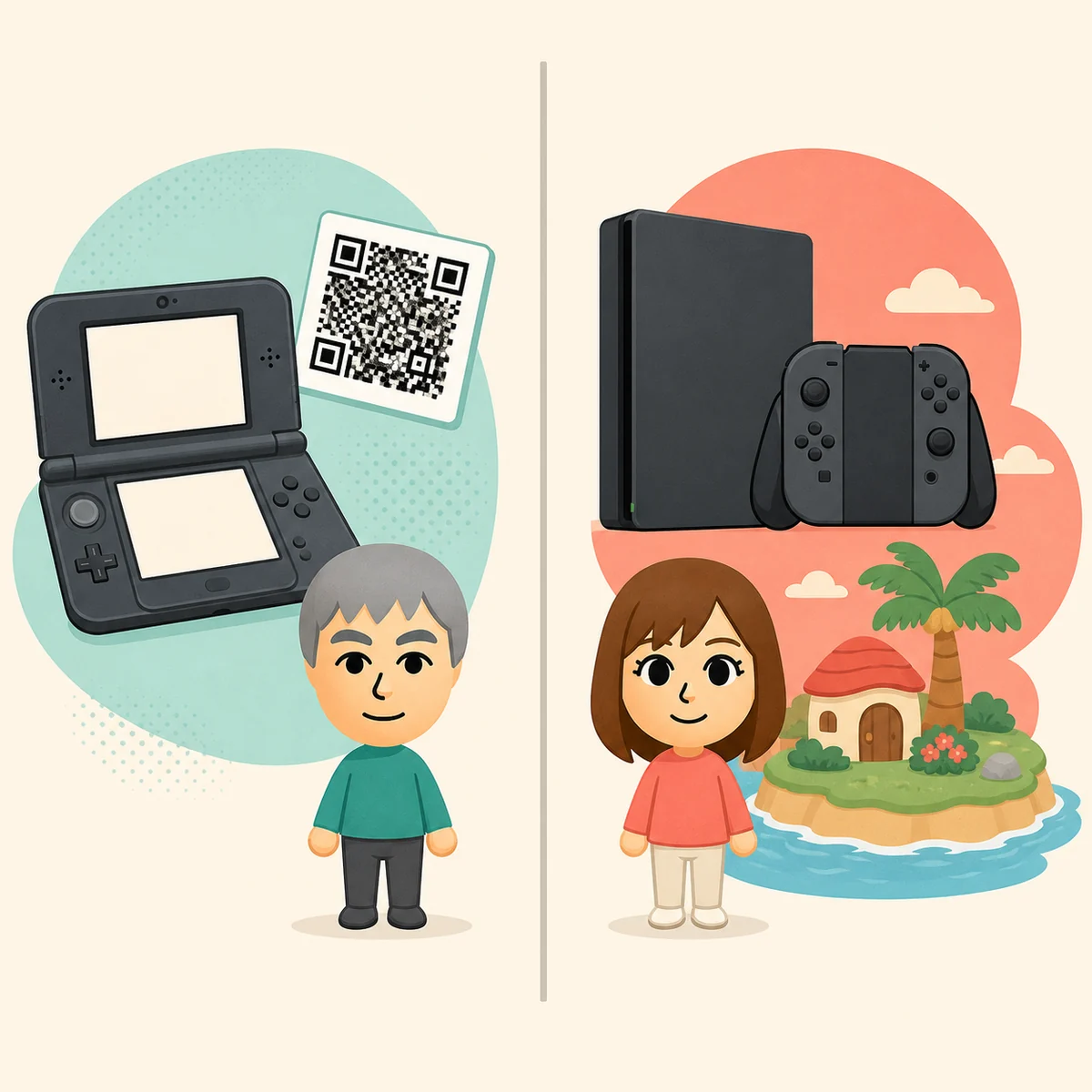
3DS QR codes and Living the Dream are separate questions
The current Living the Dream conversation is why the QR-code keyword is growing again, but renewed interest is not proof of feature parity. A new release may reuse familiar characters or social ideas while changing how residents, sharing, saves, and external images work. Only the current game's own help text, release documentation, or repeatable in-game observation can establish support.
For now, label legacy material honestly. Say classic 3DS when that is the source, say Living the Dream when you are discussing the current product, and avoid a sentence that quietly moves a QR code from one platform to the other. This boundary protects readers from importing old tutorials and gives future updates a clear place to change the answer.
Where the existing guides fit
A QR code can help you start with a resident, but it does not replace personality planning. Use the personality types guide when you want a readable map of the site's 16 fan-planning labels, and use the Mii ideas guide when you are designing a role before saving a profile. Those pages answer what to build; a QR page answers how to approach a shareable starting point.
Relationship and family questions should stay on their own pages. A scanned Mii does not prove that a relationship will progress, that a gift will work, or that a baby event will appear. Keeping those tasks separate makes the internal links useful and prevents one QR page from becoming a vague answer to every Tomodachi Life query.
How this guide handles evidence and updates
Official Nintendo material is useful for product context, but it does not automatically document every hidden rule or every community QR upload. This page therefore separates public product information, repeatable player observation, and practical fan advice. When a claim is version-specific, the version is part of the claim rather than a footnote.
If a future update publishes a clear QR workflow for Living the Dream, revise the version section, FAQ, captions, and internal links together. Until then, the honest answer to a current-platform QR question is to verify the game's own instructions instead of presenting a legacy code site as an official compatibility layer.
Tomodachi Life QR codes FAQ
Are Tomodachi Life QR codes for 3DS or Living the Dream?
Most QR-code pages and Mii QR code collections refer to the classic 3DS context. Treat that as a separate release unless the current Living the Dream game provides its own documented QR workflow.
How do I scan a QR code in classic Tomodachi Life?
Open the compatible game's own QR Code or sharing option, use a clear full-size image, keep the camera steady, and follow the prompt shown by your release. Menu wording can vary, so do not rely on a cropped screenshot alone.
What are Tomodachi Life Mii QR codes?
They are shareable code images associated with Mii data in the compatible classic workflow. They are not automatically complete island saves, relationship records, item packs, or current-platform transfers.
Where can I find a Tomodachi Life QR codes website?
Community sites may collect user-made codes, but check the platform, description, date, preview, and safety signals. A QR image should not require an executable download, login, ROM, APK, or payment.
Why will my QR code not scan?
Check that the whole pattern is visible, glare is low, the image is sharp, and the reader matches the release. Test one clear code first, then change only one variable at a time.
Can I use a 3DS QR code in Living the Dream?
Do not assume that it works. The 3DS and current-release questions should be verified separately through current in-game instructions or first-party documentation.
Sources and image note
Nintendo's official product page was checked for public product context. Community QR pages were not used as verified facts or copied media because they were unavailable or unsafe to mirror during this review. The three WebP assets are generated editorial concept illustrations, not official screenshots, working QR codes, or Nintendo UI.