Island Builder unlock and troubleshooting guide
How to Unlock Island Builder in Tomodachi Life: Living the Dream
Learn how to unlock Island Builder in Tomodachi Life: Living the Dream, what Nintendo confirms, which early tasks to finish, and how to troubleshoot a missing build menu.
Updated October 18, 2026
If you are searching for how to unlock Island Builder in Tomodachi Life: Living the Dream, start with one important boundary: Nintendo's public product page describes designing the island and placing homes, stores, restaurants, and other facilities, but it does not publish a universal level, day, or exact quest number for the builder menu. That means a precise-looking unlock number should be treated as an unverified player claim.
The reliable approach is to finish the early island onboarding, create or add the residents the game asks for, follow every new island prompt, and check the build option after each milestone. This guide gives you a practical order, a table for a missing menu, and a first-build plan. The illustrations are editorial concepts, not official Nintendo screenshots, and the steps may vary by software version or region.
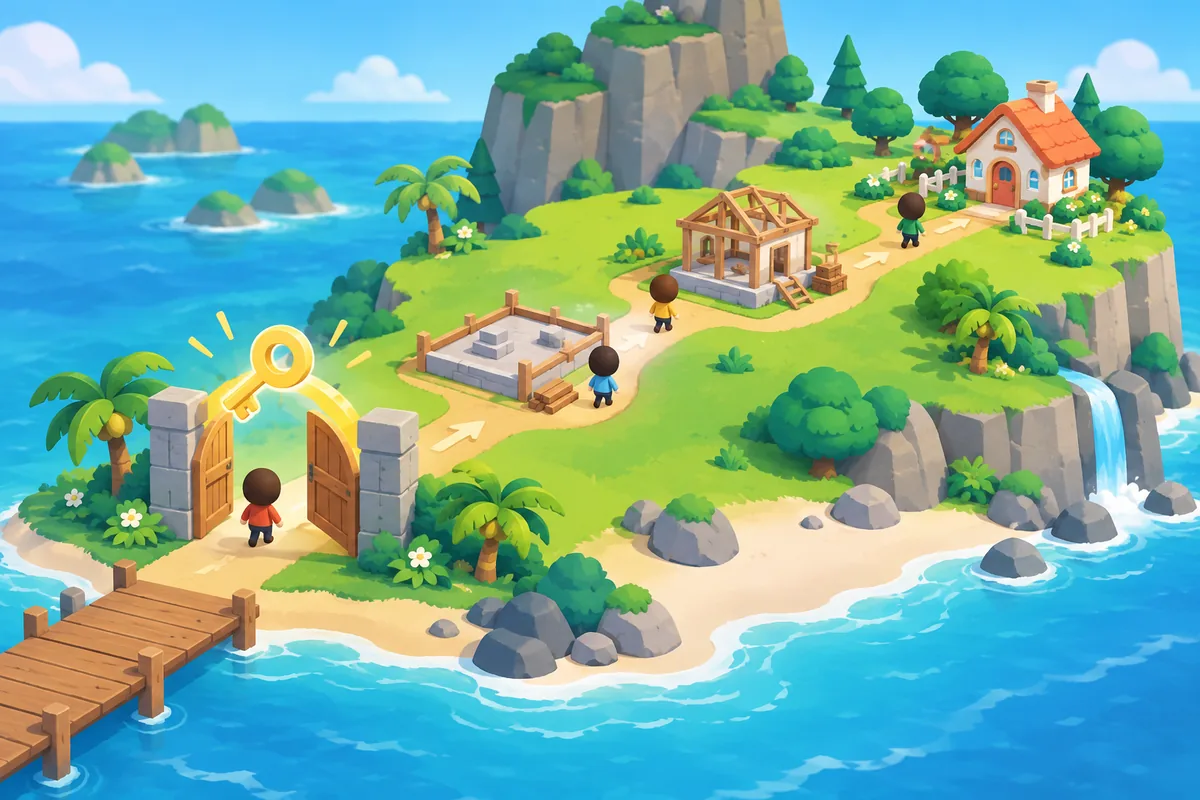
Quick answer: finish onboarding, then follow the in-game builder prompt
There is no publicly verified fixed level or calendar day that unlocks Island Builder for every player. Complete the opening island tasks, make sure the required residents and facilities are present, watch for new island instructions, and reopen the island or build menu after each milestone. If the option is still missing, confirm that you are playing Living the Dream on the intended Switch system and that the software is updated before trying a reset or time change. Do not treat a 3DS guide, a rumor, or a time-travel trick as a confirmed unlock method.
What Nintendo confirms about Island Builder
Nintendo's official product page says you can customize the island, design the island, and place homes, stores, restaurants, and other places that supply events and entertainment for the community. That is enough to support the page topic: Living the Dream includes island-level design as part of its caretaker role. It does not support a claim that every player reaches the feature on the same numbered day.
The same page also describes creating Mii characters, populating the island, and getting to know residents. Those are useful checkpoints because a new save may need its initial residents and facilities before later island options are offered. Treat the public description as product context, then let the prompts and menus in your own version decide what is currently available.
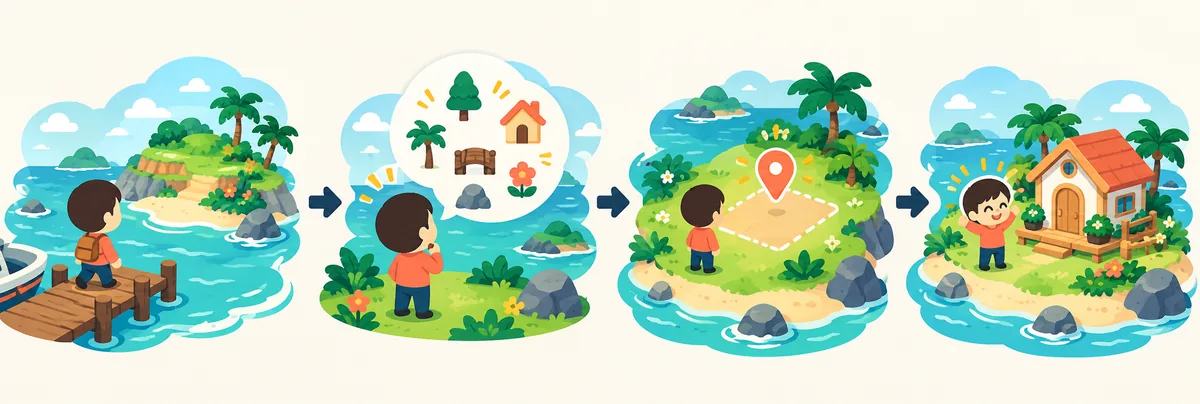
Island Builder unlock checklist
Use this order when a new save does not show the builder immediately. The point is to make each change observable. If you skip several steps at once, you will not know whether the missing option was waiting for an onboarding task, a resident, a facility, or a software update.
Keep a short note of the island name, system version, current residents, and the last prompt you completed. This is more useful than copying an exact unlock number from an older release because it gives you evidence that another player or support channel can actually check.
1. Finish the opening island prompts
Play through the first guided tasks instead of leaving a tutorial conversation or placement prompt open. Visit the places the game introduces, read the next instruction, and return to the island view before deciding that the builder is locked.
2. Populate the starting community
Create or add the required early Mii residents and let the game register them on the island. A nearly empty island can show fewer options simply because its onboarding state is incomplete. Do not assume a specific resident count unless your version displays one.
3. Complete the first facility or activity request
When the game asks you to visit, build, decorate, or use a new facility, complete that request and allow the next island message to appear. Reopen the relevant menu after the conversation ends. A menu that appears only after an event may not be visible from the home screen.
4. Check the island or caretaker menu again
Look for the option that lets you design the island or place facilities. Menu names can differ by localization, so search for the function rather than one English label. If a button is greyed out, read its help text and record the exact condition instead of guessing.
5. Verify the software and save state
Install the current official update available for your system, close and reopen the game, and load the correct save. This is a troubleshooting step, not proof that an update always unlocks the feature. Keep the save backup and do not delete progress while testing.
What to do when the builder menu is still missing
A missing menu is not automatically a failed unlock. First separate three situations: the option has not been offered yet, the option exists in a different island-management menu, or the save and software state are not the one you intended to test. These cases need different actions, so avoid jumping to a reset.
Use the table as a small diagnostic loop. Check one row, make one change, then reopen the menu. If the exact wording remains unclear, capture the version and menu path for your own notes and use Nintendo support or the game's current help text for the final confirmation.
| What you see | Likely meaning | Next check |
|---|---|---|
| No builder label anywhere | Onboarding or feature gate may be incomplete | Finish the last visible island prompt and inspect the caretaker/build menus. |
| A facility can be placed but the island editor is absent | You may be in a local placement screen, not the island-level editor | Back out one level and compare the island-management options. |
| The option is greyed out | The game is showing a condition or missing resource | Read the help text, complete the named task, and record the exact wording. |
| A guide gives a different day or level | The guide may describe another version or an unverified observation | Use your current menu and software version as the source of truth. |
Build the first island in a way you can undo
Unlocking the builder is only the access question. Your first layout should be a testable draft, not a permanent masterpiece. Start with one central path, one resident or activity zone, and one open area for later facilities. This keeps the cost of a wrong placement low and gives you a clean comparison point.
The existing island ideas guide covers themes, zones, and readable paths once the feature is available. Link the two intents carefully: this page explains access and troubleshooting; the island ideas page explains what to do after access. Combining them into one vague page would make both answers harder to scan.
A four-zone starter plan
Reserve a visible center for the community, place homes along one readable route, group shops or activities near a second route, and keep one quiet or empty edge for future experiments. The exact map tools are version-specific; the planning principle is to protect navigation and flexibility.
Record one change at a time
Write down what you moved, what the game allowed, and what changed on the next menu visit. A short log helps you distinguish a confirmed option from a coincidence and makes later layout revisions much easier.
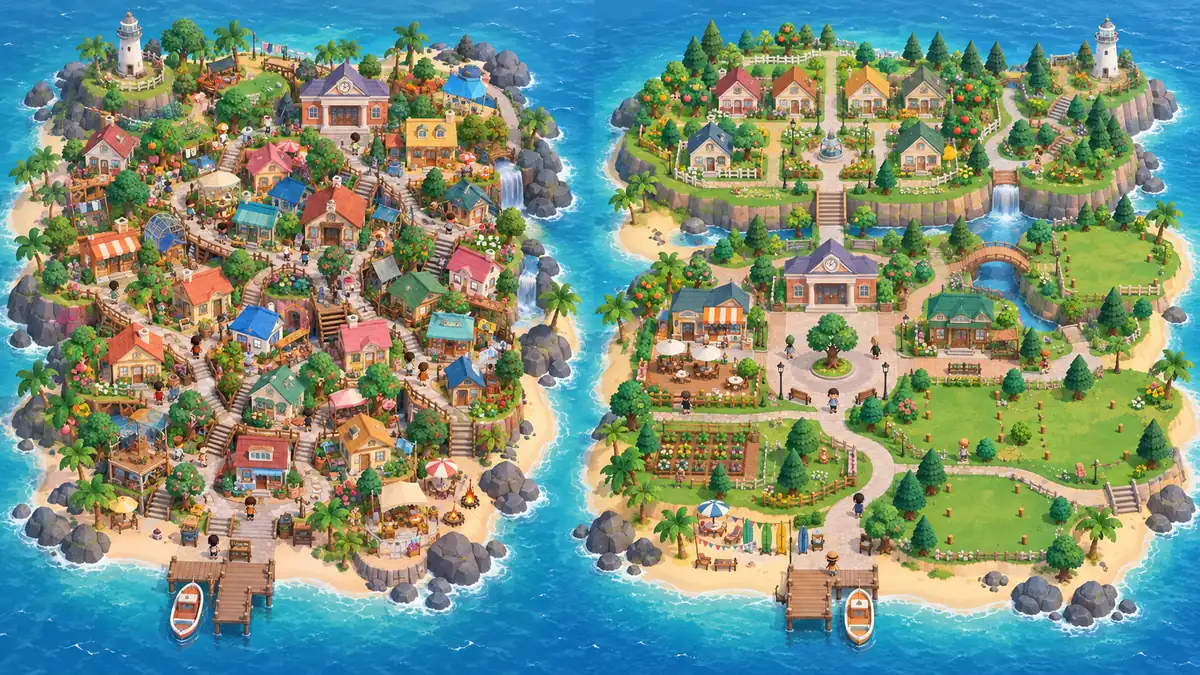
Unlock claims to avoid
Do not promise that changing the system clock, buying one item, reaching one exact resident count, or copying a 3DS action will unlock the Living the Dream builder. Similar-looking games and older guides often use the same words for different systems. A time change may also alter event timing or create a harder-to-explain save state, so it is a poor first troubleshooting step.
Also avoid calling generated images screenshots or describing fan observations as Nintendo rules. The official product page is a good source for the broad design purpose of the island. Exact unlock conditions should come from the current in-game prompt, manual, support information, or a repeatable observation clearly labeled as version-specific.
When this page and the island ideas guide should be used together
Use this page when the question contains words such as unlock, missing, locked, builder, or how do I access the island editor. Use the island ideas guide when the feature is already available and the question is about layout, zones, themes, paths, or where to place homes. Use the apartments guide for roommate and home planning, because a building's resident role is a separate decision from unlocking the island editor.
That separation also makes internal links more useful. A reader can finish the checklist, move to the layout guide for a theme, then open the apartments or custom-food pages when a particular facility needs a more detailed plan. Each link answers the next question instead of repeating the same unlock paragraph.
Island Builder FAQ
Is there a fixed level or day for unlocking Island Builder?
No publicly verified Nintendo source gives one universal level or calendar day. Finish the visible onboarding and facility prompts, then use the menu and help text in your current version as the practical authority.
How do I unlock Island Builder in Tomodachi Life: Living the Dream?
Complete the early island setup, populate the starting community, finish the first requests the game gives you, and check the island-management or caretaker menu again. If it remains missing, verify the save, software update, and exact menu path before resetting anything.
Is Island Builder the same as Tomodachi Life island ideas?
No. Island Builder is the access and troubleshooting topic. Island ideas and island layout are the planning topic after the editor is available, so they belong in a separate guide.
Can time travel unlock the builder faster?
There is no verified basis for treating time travel as a universal unlock method. Avoid changing the clock as a first step because it can make event timing and save-state testing harder to interpret.
Does the old 3DS version use the same builder instructions?
Do not assume that it does. The page targets Tomodachi Life: Living the Dream on Switch, and older 3DS menus, sharing features, and community guides may describe a different release.
What should I do if the feature is still locked after the checklist?
Record the exact menu text, software version, region, save state, and last completed prompt. Check the current in-game help and official support information. This is more reliable than deleting the save or following an unverified unlock number.
Sources and scope
Nintendo's product page supports the broad island-design context. It does not publish a fixed Island Builder unlock day or level, so exact conditions are deliberately described as in-game checks and version-aware troubleshooting.